
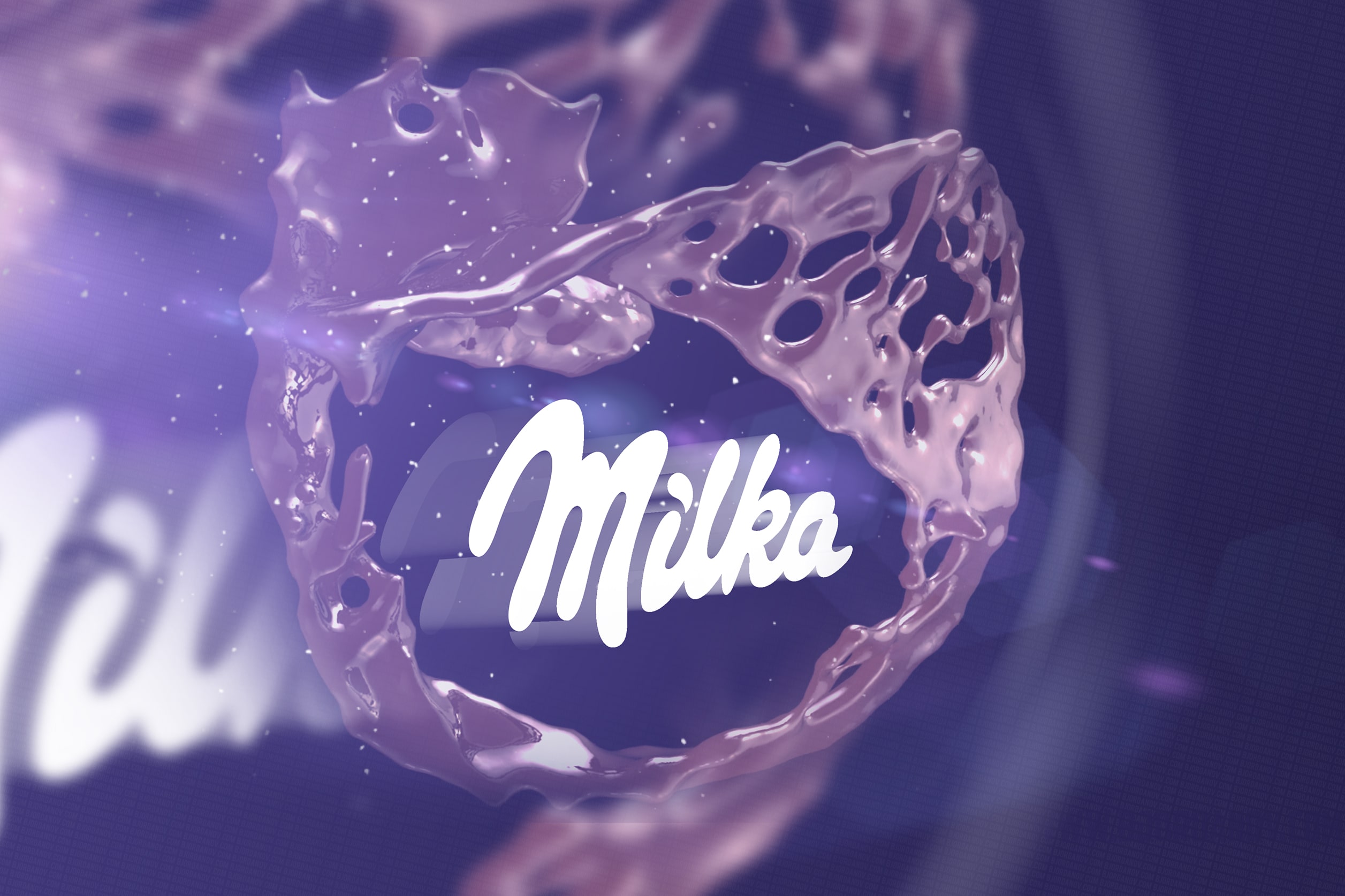
The Windows Problem
Oh, boy! Let me tell you. This was a challenge! I had a crazy-short deadline, and I did the logo animation in 5 days. It took me 35 hours, and I’m not even counting the hours “trying to make Adobe After Effects and Cinema 4D” work seamlessly on Windows 10 AME. The point of using the ameliorated version of Windows 10 was to utilize the Adobe Suite and other design software I can’t natively run on Linux. The developers behind the ameliorated scripts figured out that purging a specific .DLL file from Windows/System32 can cause Cinema4D loading time to increase to infinity.
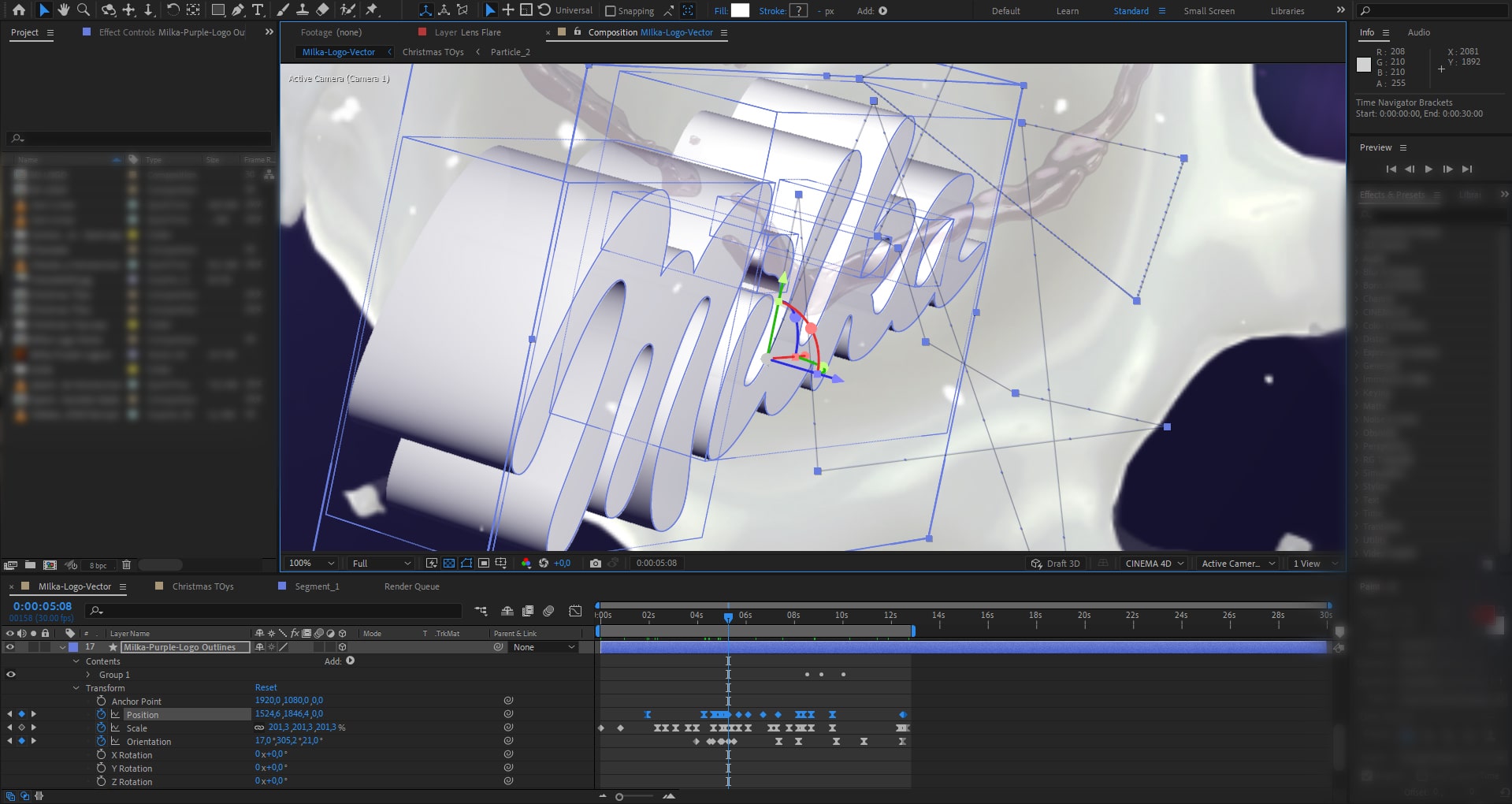
The deadline and the 3D problem
Long story short, I had a call and learned that I have 7 days to create the animation, and it has to be a 3D animation that will visualize on the HyperVision hardware. If you’re reading my blog, you know how big of a proprietary software fan I am. Sometimes you have to do what you have to do, so I accepted the challenge. Oh, didn’t I tell you? I have never worked with 3D software in my life before, especially when it comes to professional work. I opened 3D Studio Max once and then closed it. 3D DAWs have a lovely interface, intuitive key bindings, and a natural learning curve… said no one before.
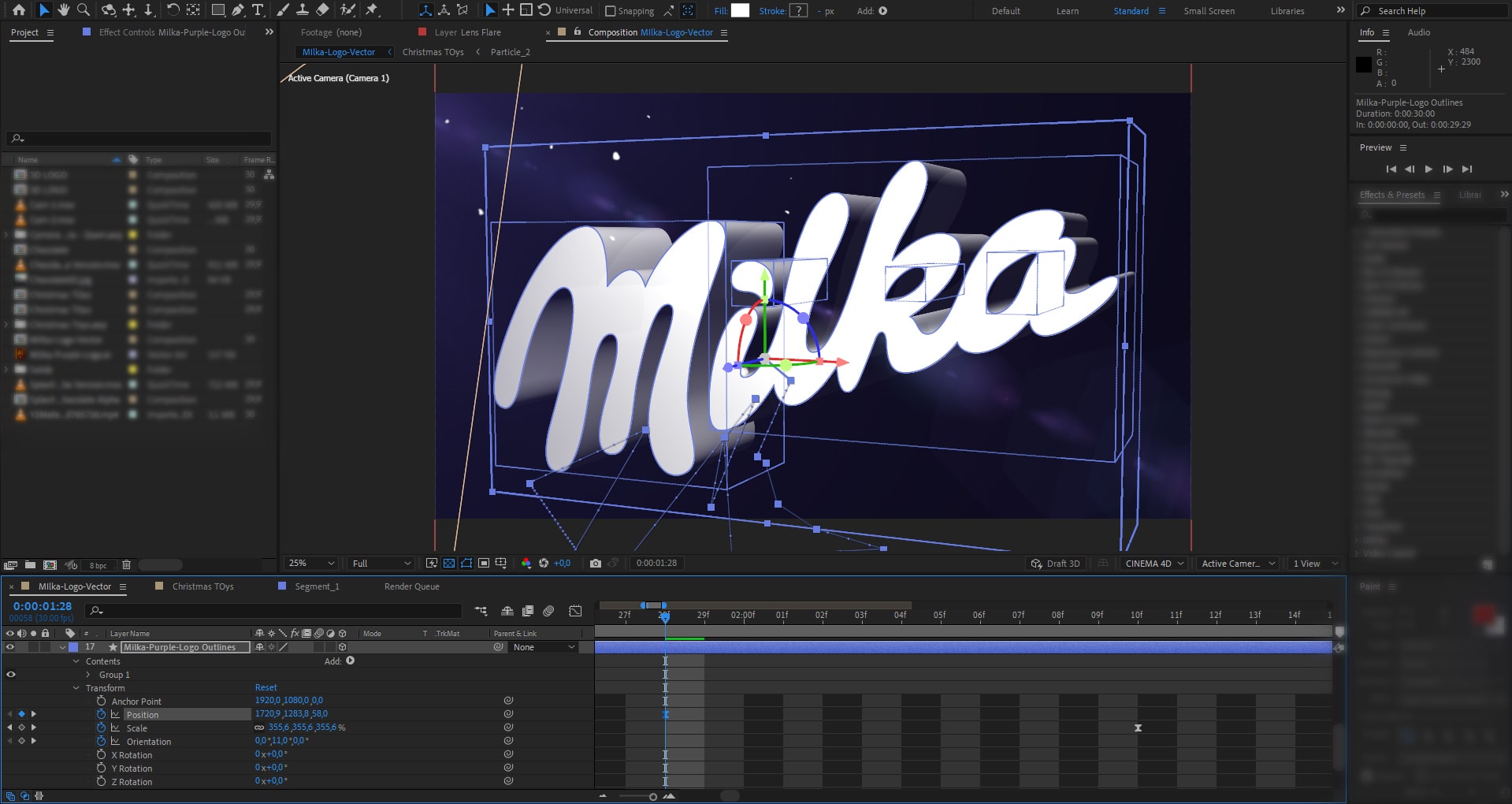
It turns out the final render was a 3D holographic disaster
I was ready with the render and sent it back to my client for approval. He reviewed the logo on the hardware, and it was a disaster. Unexpected? Yes, I finally thought I was done with the project, and it turns out I have to figure out what’s wrong with it and eventually fix everything about it that’s wrong. And because some of the assets I’ve been using were 2D rendered .mp4 files from a 3D scene imported into a 3D environment just so they look 3D, I had to start all over again.
Researching hologram technology and the market
Exploring the technology took me 3 hours. I understood the basics but was limited because I couldn’t test anything on a physical device. The physical devices were in my client, so it was quite a struggle when looking at my previews in 2D on my flat-screen monitor. Before I started, the client provided examples of other people’s work.
Here’s how I got into Blender and Cinema 4D
I hated 3D software all my life. I still do, but at the same time, I like it. Let me explain. I love the final result and those stunningly looking 3D photorealistic models when appropriately dressed in textures and shined with flares. They look incredible! But working with a 3D DAW is a nightmare. You have to know all the keybindings, and it’s nothing like drag and drop. Getting just the model done is a long and tedious process. I have been running away from 3D work the way I’ve been from creating vector images.
So I took a quick crash course on the most accessible free 3D software on the Internet – Blender. It turns out it was bearable.
Now what? – Well, 3D websites, of course!
I created my first models and textures and am enthusiastic and inspired to start constructing 3D websites. Yes! They can be interactive and a challenge to optimize, but a 3d interactive webpage makes every visitor go – “Woah, take my money!” It may not be a whole website, but at least some landing pages. I figured out that exporting .json files from Adobe After Effects isn’t enough. Also, I’m not too fond of webpages bloated with javascript. But a 3D website! Come on… how cool is that? Clear vector. I can’t wait to share with you my first attempts. Stay tuned! For a sneak peek of what I have in mind, look at Blender4Web.
2 thoughts on “How I created a 3D hologram Logo for Milka”
Hey, Borislav. I’ve been following your blog for a while and I am a big fan! I was very surprised and happy for you when I saw that you are now working for recognizable and big brands. I genuinely admire your interest in the field of 3D and I as someone who has used 3D software for the last 15 years welcome you to the community! Please share more screenshots, previews, and insights from your current work for Milka. I’m also interested to see a 3D webpage made by you. The idea is very innovative! Please keep me updated.
Thank you for the kind words! I’ll soon add an option to subscribe to the blog. I’ve never expected such anticipation from readers, but my Windows 10 AME and Lenovo P2 posts just blew up, and it seems like my blog is getting a crazy amount of traffic just from those two posts. I’m so happy to see that I have readers with other interests. Please feel free to participate in more discussions here. I’ll be glad to see you again.
PS: I checked your work on artstation and Instagram, and you are really good! I can’t even compare. You also earned a sub. Hopefully, I could learn more from you in the 3D field, and I’ll gladly share my knowledge for the rest of my skill set.